Guide · Choosing how to build
AI website builder or a web designer? The honest answer.

The short answer
If you have more time than money, an AI builder like Wix, Squarespace or GoDaddy gets you online for about $10 to $50 a month. If your site has to bring in calls and your time is better spent on the business, hire a web designer such as Ninewave: a site made for you, and someone who picks up.
$17–$159
a month for Wix, billed yearly
Wix
$2k–$8k+
to have a freelancer build a business site
Upwork, 2026
$5k–$20k
for a small-business site from a Miami agency
Clutch
01
What an AI builder actually gets you
I'll be straight with you: the AI builders are good now. You type what your business does, and a few minutes later you've got pages, photos and words. I use AI every day myself, so I'm not going to pretend it doesn't work.
But what you get is a first draft. Even Squarespace says its AI does not replace the editor
. Everything after the draft is on you: reading every line for things that aren't quite right, swapping out the stock photos, setting up booking, connecting your Google listing, and remembering to change your hours in December.
And when something breaks, their support team will walk you through the tool. The work is still yours.
02
What everything costs. I checked on 19 October 2026.
Don't take my word for any of this. I went to each company's own pricing and help pages and wrote down what they say, and every number links to where I got it. A lot of builder prices are first-year deals, so look at what they renew at too.
| Option | What it costs | Who helps when it breaks | Can you take the site with you? |
|---|---|---|---|
| Wix | $17–$159/mo billed yearly. Booking starts on the $29 plan | 24/7 phone callback, weekday live chat | No. Wix says a site “needs to be hosted and operated on Wix’s servers” |
| Squarespace | $19–$99/mo billed yearly, or $25–$139 billed monthly | No phone support. Email, Messenger, weekday chat | Content only. Style settings and custom CSS stay behind |
| GoDaddy (Airo) | $9.99–$99.99/mo billed yearly, double that monthly. Booking starts on $24.99 | 24/7 phone and chat | Yes. You can download the code |
| Hostinger | From $2.49/mo with 48 months paid up front ($119.52). Renews from $10.99/mo | No phone support. Chat, WhatsApp, email | Content only, to WordPress. Layout, styles and forms stay behind |
| Durable | $25–$49/mo billed monthly | Live chat on paid plans | Domain transfer on request. Site export not documented |
| Freelancer (Upwork, Fiverr) | Upwork’s 2026 guide: $2,000–$8,000+ for a business site. Fiverr’s: $2,000–$5,000 | Depends on the person | Depends on the agreement. Ask before you pay |
| Miami agency | Clutch: $5,000–$20,000 for a small-business site, $75–$175/hr | Usually an account manager | Depends on the contract. Ask before you pay |
| Ninewave | Never more than $999 for the site, then $99/mo for Care, hosting included | Me. The guy who designed it. Any change within 24 hours | Yes. The domain is in your name, and if you leave, you take everything, free |
One thing people miss: a builder is a monthly bill too
You pay it for as long as you have the site. So don't put a builder's first-year deal next to my full price. Put a few years of their renewal price next to a one-time build plus care. That's the real comparison.
03
Can you do SEO on a builder? Yes, up to a ceiling.
The basics, yes. Squarespace, Wix and GoDaddy all let you write your page titles and the description Google shows, and change your page addresses. Anyone who tells you that you can't do SEO on a builder is wrong.
What you can't change is the ceiling. The platform runs the server and the code underneath, so some settings are out of your reach, and they're the ones that matter more as you grow. Here's what each company's own help pages say, read on 19 October 2026.
| What you can change | Squarespace | Wix | GoDaddy Websites + Marketing | Ninewave |
|---|---|---|---|---|
| Page titles and the description Google shows | Yes | Yes | Yes | Yes |
| Pointing old page addresses to new ones | Yes, up to about 2,500 | Yes, up to 5,000 | Not in its help pages | Yes, on the server |
| robots.txt, the file that tells search engines what to read | No. Users “can’t access or edit the file” | Yes | Not in its help pages | Yes, written for your site |
| Your sitemap | Automatic, can’t be edited | Automatic | Not in its help pages | Yes, written for your site |
| Structured data, the code that tells Google what your business is | Added for you, and “you can’t edit or remove” it | Yes, you can add your own | Not in its help pages | Yes, written for your business |
| Code on every page | Core plan and up | On a paid plan | No. Only inside one section: “you won’t be able to apply site-wide” code | Yes |
| Who runs the server | Squarespace. It “doesn’t support server-side code” | Wix | GoDaddy | I host it, and the code is yours |
| Taking the whole site with you | Content only. No store pages, style settings or custom CSS | No. It “needs to be hosted and operated on Wix’s servers” | No export in its help pages. Its backup keeps “sections, text and settings” | Yes, the full code, free |
To be fair to Wix
Wix gives you the most control of the three: you can edit robots.txt and add your own structured data. Its limit is at the other end. A Wix site can't leave Wix.
Here's why the ceiling matters. Early on, titles and descriptions are most of the job. Later you want Google to know your services, the areas you cover and your reviews. You add pages in Spanish. You want the page lighter on a phone. On a builder, each of those runs into a setting you can't reach, and because the site can't come with you, the way past it is a rebuild.
Weight is one thing I measured myself. In my check of 1,994 small business sites, the typical Wix homepage sent 882 KB of code before a single picture, Squarespace 299 KB and a custom-built site 120 KB. That isn't a speed test, and I didn't run one. It's what a phone has to download first.
With me, nothing is locked. I write the robots.txt, the sitemap and the structured data for your business, put permanent redirects on the server, and decide what loads on every page. And if you leave, you take the full code with you, free.
04
When I’d tell you to use a builder
I mean this. If any of these sound like you, save your money and start with a builder:
You’re testing a new idea
And you don’t know yet if it’ll stick.You only need the basics online
Your hours, your phone number and a map.You actually enjoy this stuff
And you’ve got the evenings for it.A few hundred dollars a year
That’s your budget. Period.
If you think you might move later
Look at GoDaddy's Airo. It's the one that lets you download your code.
05
When it’s worth paying a person
Your website has to make the phone ring
A page that looks nice and a page that gets someone to call you are two different things.Your customers speak English and Spanish
That means real pages in both, not a translate button. In Miami, that matters.You already tried a builder
And the site is half-done, out of date, or nobody remembers the password. It happens.You don’t want to be your own IT department
You want to send a text and have it handled.
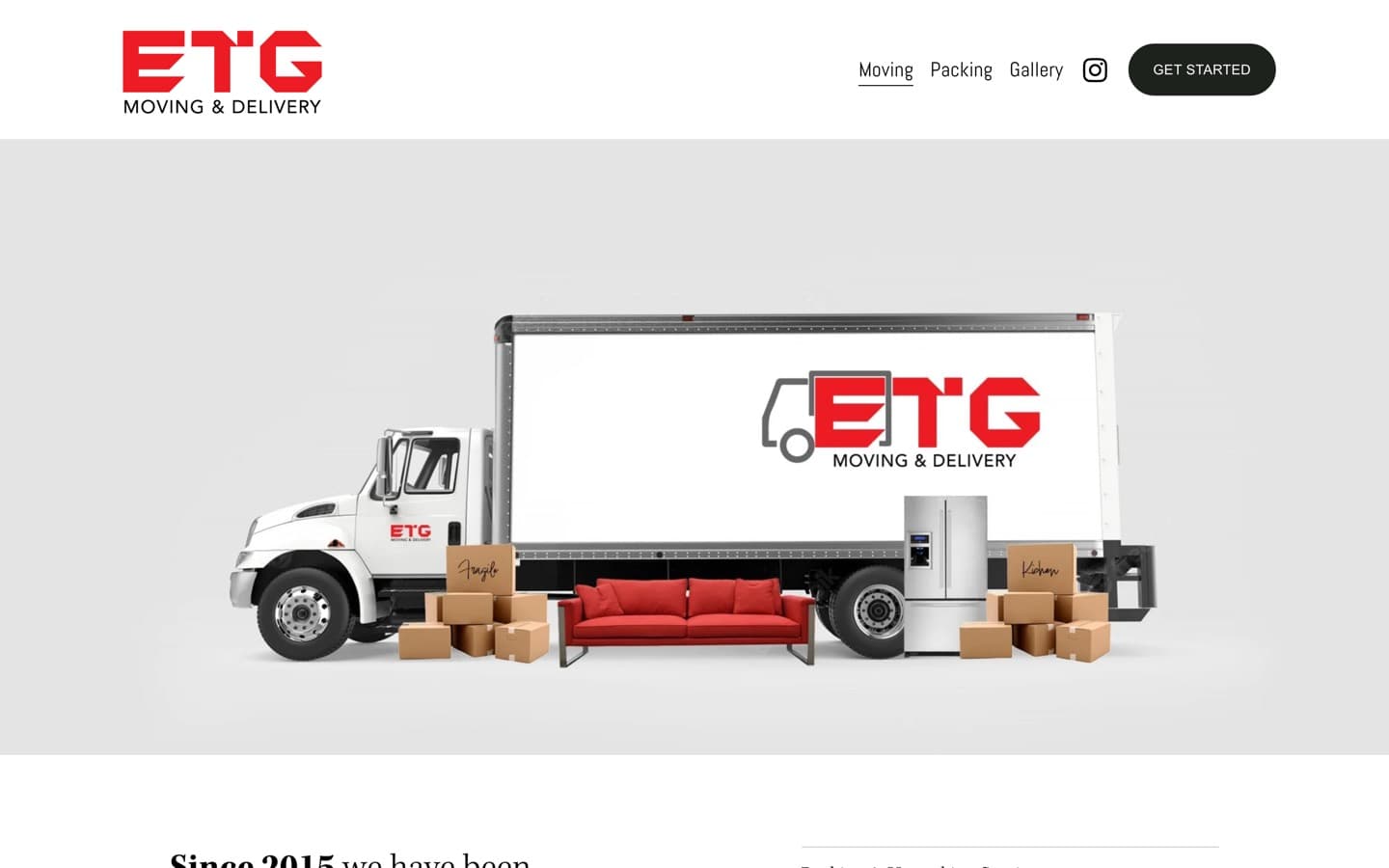
Before
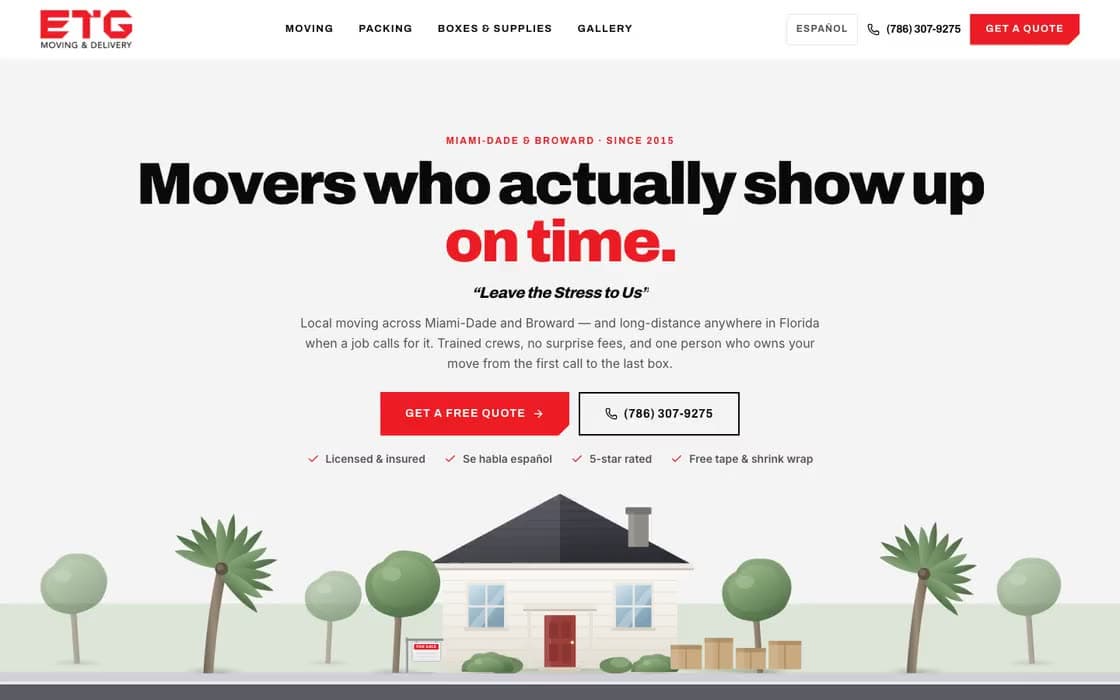
After
06
So where does Ninewave fit?
I started Ninewave so the hardworking local businesses that keep this country running get the same tools the big companies have, for a lot less, with somebody there the whole way.
Here's how I work. AI does the groundwork: it lines up your business's details, builds the frame and gives me options. Then I design your site and make the calls. And when you need something, you call me. Not a ticket. Not a call centre. Me.
Custom made for your business
Your brand, your photos, your words.Never more than $999
Live nine days after I have your content.Checked before it goes live
I check it on a phone, a tablet and a computer, test your contact form all the way to your inbox, and make sure every old page address still lands somewhere.$99 a month
Keeps it hosted and looked after, and any change gets made within 24 hours.Every SEO setting is open
robots.txt, sitemap, structured data and redirects, all written for your business.The domain is in your name
If you ever leave, you take everything with you, free.
Not sure which way to go?
Tell me about your business. If a builder would do the job, I'll tell you. I'd rather you trust me than overpay me.